Watch video





 Sign in with Google
TubeBuddy Tools
How to find YouTube video ideas that perform: Next Video Ideas

tl;dr – How to find YouTube video ideas that perform: Next Video Ideas
- After each upload, every creator hits the same wall: what should I make next? Most are answering it with gut feeling, not data.
- TubeBuddy’s Next Video Ideas analyzes your channel, your audience, millions of videos, and thousands of trends to generate a ranked deck of personalized video ideas.
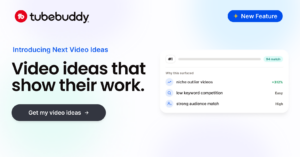
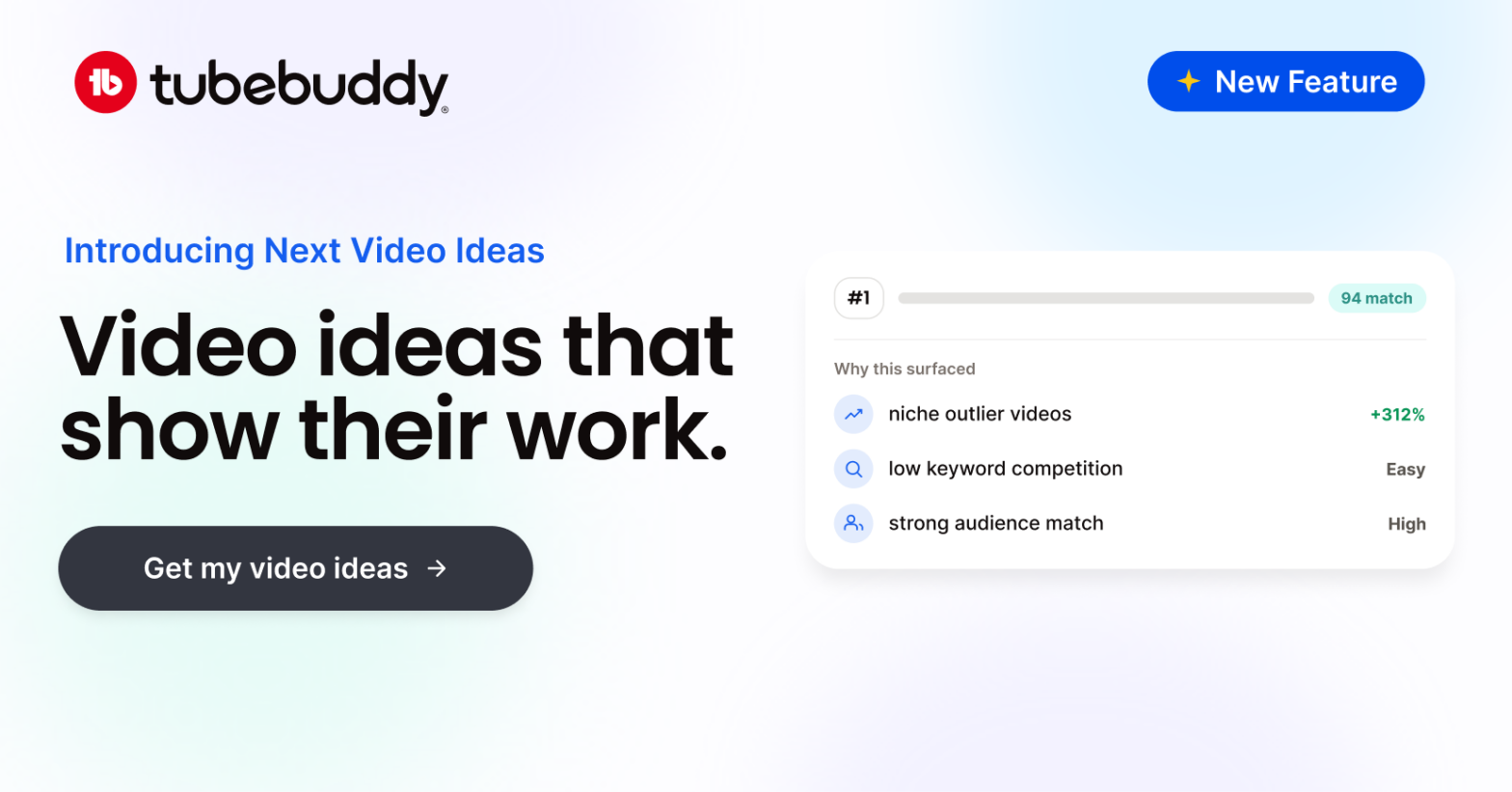
- See the reasoning and data behind every suggestion — niche performance signals, keyword competition, audience match — to understand why your Next Video Idea will be a banger.
- Setting your niche first sharpens the results, especially for newer channels without much upload history.
- Saved Ideas keeps your best ideas in one place so you always have a pipeline ready to pull from.
Every creator is asking themself the same question, all the time: what video should I make next? After all, it always feels as if you’re only as good as your latest upload.
For most creators, the process for coming up with a YouTube video idea is somewhere between gut feeling and a vague sense of what’s trending. Real data — top performing videos in your own channel and across your niche, comments threads full of follow-up questions, and topics viewers are actively searching for right now — is where the best ideas lie but that data is hard to gather and harder still to make sense of.
Prompt Claude, ChatGPT, Gemini or another LLM for YouTube video ideas and you’ll get a list of video ideas that could belong to anyone. What’s missing is the signal: your channel, your audience, your niche.
We made YouTube Next Video Ideas specifically to get to the point. It analyzes your channel data, comments, and millions of videos across your niche to give you top-performing YouTube video ideas specifically for your channel, your niche, and your audience.
TubeBuddy Next Video Ideas is available right now across all paid TubeBuddy plan tiers.

What’s the big idea?!
Get video inspo backed by data. Next Video Ideas analyzes your channel, audience, niche, and millions of YouTube datapoints to make your next video a #1.
Table of contents
- tl;dr – How to find YouTube video ideas that perform: Next Video Ideas
- Why picking your next video topic is harder than it looks
- What Next Video Ideas actually is
- How to get started with Next Video Ideas
- How to build a content pipeline with Saved Ideas
- FAQ: How to find YouTube video ideas that perform: Next Video Ideas

Why picking your next video topic is harder than it looks
Figuring out what topic to cover next is tough. There’s no obvious feedback loop telling you where to start. You won’t know whether your latest video idea was great until after you’ve done all the work required to publish it and the audience has had a chance to react.
Every creator is probably quite familiar with the other methods of coming up with their next great (or not so great) YouTube video ideas:
- Look at what’s trending on YouTube and follow the trend as best you can
- Do some keyword research, scroll, click, and filter the list looking for inspiration
- Search Google Trends in the hope you find something relevant to your channel
- Ask fellow creators, brainstorm, go for a walk, maybe jump in the bath in search of your own eureka moment
All reasonable approaches to the problem of finding YouTube video ideas, but none of them take the specifics of your channel, niche, and audience — or broader YouTube trends — into account.
Consider this: your previous uploads — and those of other creators in your niche — hide a wealth of data: topics and treatments that performed well, comments asking follow-up questions that could be content, patterns in what your audience keeps coming back for. It’s all valuable information. The challenge is in making sense of it to figure out which video you should make next.
That’s what Next Video Ideas is for. It’s specifically designed to learn from all that information to come up with specific, personalized ideas that will make your next video a sure-fire hit.
What Next Video Ideas actually is
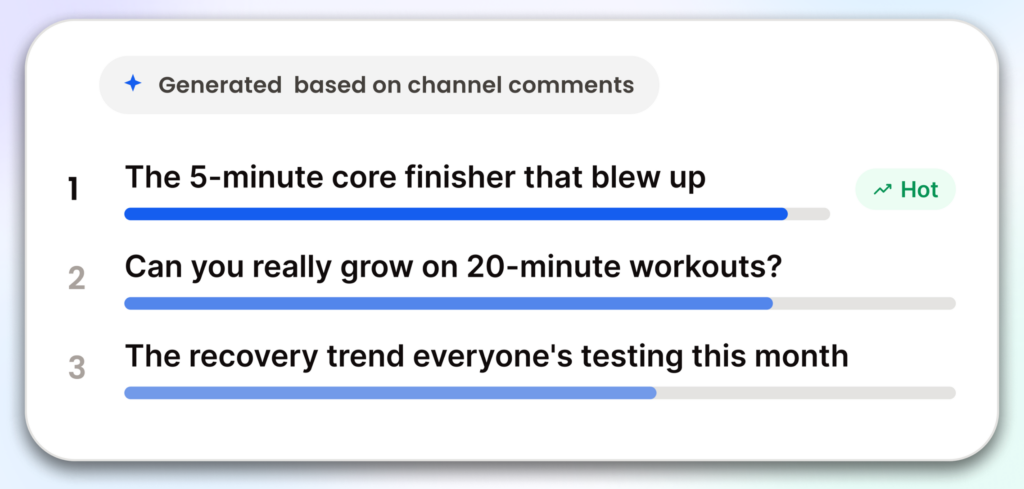
Next Video Ideas is a ranked list of video ideas built specifically for your channel. Open the tool and you get a prioritized shortlist of specific video ideas for you. Not “why not unbox something?” or “maybe do a reaction video?” ideas. Good ideas — dare we say great ideas — that YouTube will want to push because viewers will want to watch.
The data behind each idea comes from three main sources: your own channel (videos, performance history, and audience comments), your niche (what’s actually working for creators in your space right now), and broader signals from millions of YouTube videos and thousands of YouTube trends. The tool isn’t pattern-matching a prompt. It’s pulling real performance data and filtering it through the specifics of your channel.
The ideas it surfaces are specific: concrete angles you can take into pre-production immediately. And because the data is drawn from what’s performing in your niche right now — across signals you’d need hours to track manually — your personalized list of next video ideas will include ideas you wouldn’t have arrived at on your own. The tool also shares the reasoning behind each idea and explains exactly why it works and how it fits into your channel.
What separates Next Video Ideas from a generic AI video ideas is not just the quality and specificity of the YouTube video ideas it churns out but also Every idea includes the signals that surfaced it: niche videos that are outperforming, keyword competition levels, audience match data, similar videos in your space. You’re not being asked to trust the output. You can read the evidence and decide for yourself whether the idea is right for your channel.
Next Video Ideas is available across all paid TubeBuddy licences and generation limits scale with your plan.
What’s the big idea?!
Get video inspo backed by data. Next Video Ideas analyzes your channel, audience, niche, and millions of YouTube datapoints to make your next video a #1.
How to get started with Next Video Ideas
Set your niche first
Before you generate ideas, take a few minutes to set your niche. This is the most important setup step, and it’s especially valuable if your channel is still building its upload history.
To set your niche in Next Video Ideas:
- Open Next Video Ideas from the TubeBuddy dashboard.
- Navigate to the niche settings.
- Enter your primary niche (you can add more than one if your content spans multiple areas.)
- Use the “find similar creators” helper to expand your data field.
- Save your settings to inform future video ideas.
Your niche tells the tool what space you’re in, so it can calibrate ideas against your actual audience and the creators your channel competes with. For channels with a rich upload history, Next Video Ideas is able to draw even more information from your own content. For smaller or newer channels, being specific about your niche and adding fellow creators in your space will give the tool the context your history can’t yet provide. You can update your niche settings any time, and the next ideas you generate will reflect the change.
Generate your idea deck
Once you’ve provided this information, generating specific, personalized YouTube video ideas just takes one click. When you generate ideas, you’ll see:
A ranked list of specific video ideas matched to your channel, ordered with the strongest ideas first. Each idea is a concrete topic with a specific angle, so you can spend your time scripting and planning instead of tweaking or rethinking the concept.
The first YouTube video ideas you’ll see are first because the tool found the most supporting signal for them: your audience, your niche, and what’s working across YouTube right now all suggest this video would be a banger.
Read the reasoning behind each idea
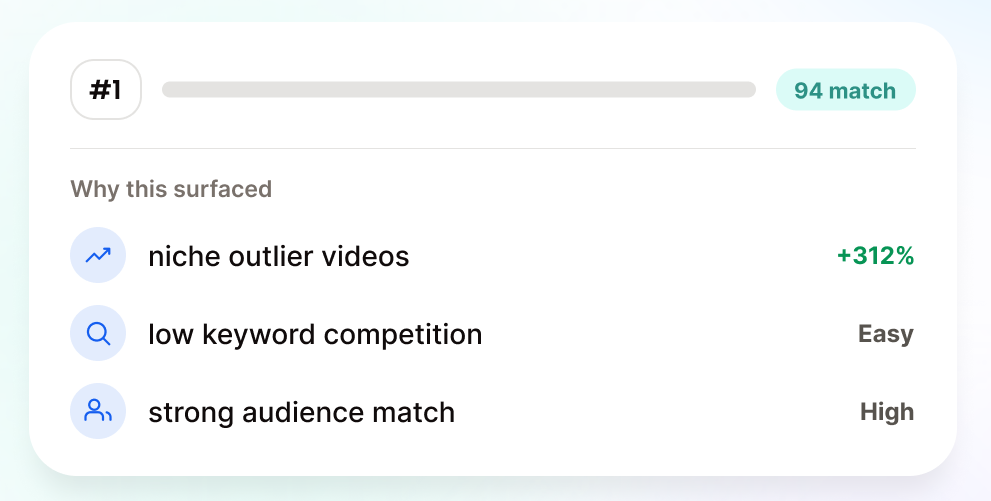
Every idea card shows the signals that surfaced it. This is the part that turns a suggestion into something you can evaluate.
For each idea, you can see:
- Niche outlier videos — videos in your niche that are overperforming on this topic right now
- Keyword competition — how hard or easy the topic is to rank for on YouTube search
- Audience match — how closely the idea aligns with what your specific audience responds to
- Similar videos — what else is out there so you can read the competitive landscape
This is where ideas that would otherwise seem unexpected start to make sense. The tool is working from signals you’d need hours to surface on your own: which topics are outperforming in your niche, which keywords are accessible, where your audience’s attention is heading. When that information is compressed into a single card, you can evaluate an idea the same way you’d evaluate a recommendation from someone who’d done the research for you.
Some of the best ideas in a deck may not seem obvious at first glance. That’s a feature, not a bug. Don’t skip an idea just because it’s surprising; understand the reasoning behind the suggestion before you make your decision.
How to build a content pipeline with Saved Ideas
Going through your idea deck once is useful. Making it part of a system is where it really pays off.
Saved Ideas is where you keep the personalized YouTube video ideas that are worth pursuing, but maybe not right this moment. Save anything from your deck with a single click, and you can also add your own ideas manually — topics that came to you mid-shoot, follow-up questions from your comment section, or anything else you’re considering making.
Over time, Saved Ideas is designed to be the cross-tool home for the ideas you’re actively tracking in TubeBuddy. The goal is a working shortlist you can open after any upload and immediately know what you’re making next.
Most creators go through the same cycle: publish, draw a blank on what comes next, spend time deciding, start creating. Saved Ideas shortens that cycle. You’ve already done the evaluation — you know why these ideas are worth making. What’s left is picking one and getting to work.
What’s the big idea?!
Get video inspo backed by data. Next Video Ideas analyzes your channel, audience, niche, and millions of YouTube datapoints to make your next video a #1.
FAQ: How to find YouTube video ideas that perform: Next Video Ideas
Generic AI tools generate ideas based on a prompt. They have no context about your channel, your audience, or your niche beyond what you type in. Next Video Ideas works differently: it analyzes your actual channel data, your audience comments, and real performance signals from millions of videos in your niche. Every idea is tied to specific data you can see — niche videos that are outperforming, keyword competition levels, audience match signals. The output is specific to your channel in a way that a general-purpose AI prompt can’t replicate.
Yes. For channels with an established upload history, the tool draws heavily from your own channel data. For smaller or newer channels, going deeper into creators in your niche can give Next Video Ideas the context it needs to generate relevant ideas even when your upload history is limited. The “find similar creators” helper makes niche setup quick if you’re not sure exactly how to categorize your channel. Start there.
Next Video Ideas is available on all paid TubeBuddy plans, with monthly generation limits that scale with your plan. Generating a new deck refreshes the ideas based on the latest signals from your channel and niche, so it’s worth generating regularly as your channel grows and your niche shifts.
Saved Ideas lets you save any idea from your generated deck, and you can also add ideas manually. The goal is a single place to keep everything you’re considering making, whether it came from the tool or your own inspiration.
Next Video Ideas is available on all paid TubeBuddy plan tiers. Generation limits vary by plan — higher tiers get more generations per month. Check your plan details in the TubeBuddy dashboard to see your monthly limit.